http://www.readwritethink.org/classroom-resources/student-interactives/line-break-explorer-30018.html
Contribute to ReadWriteThink / RSS / FAQs / Technical Help / Contact Us
![]()
![]()
Download the plug-in tools you need to use our games and tools, or check to see if you've got the latest version.
![]()
Looking for ways to engage your students in online literacy learning? Find more interactive tools that help them accomplish a variety of goals-from organizing their thoughts to learning about language.
![]()
Check out our collection of strategy guides to find effective literacy teaching and learning strategies to use in your classroom.
![]()
Home › Classroom Resources › Student Interactives
Student Interactive
Line Break Explorer
![]()
| Grades | 3 – 8 |
| Interactive Type | Writing Poetry |
| Tech Requirement | |
| URL | http://www.readwritethink.org /files/resources/interactives /lb_explorer/ |
| ABOUT THIS INTERACTIVE |
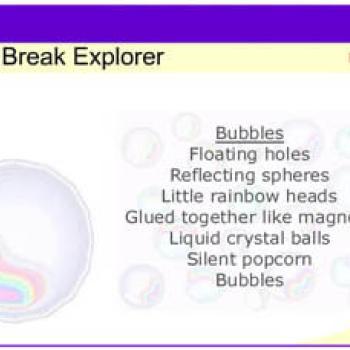
Learning poetry's special characteristics can help students understand, appreciate, and compose poetry. One defining characteristic of poetry is the use of line breaks to create rhythm and rhyme, suggest meaning, and produce a particular appearance. The Line Break Explorer engages children in exploring a poem (shown at left) and hypothesizing about why lines are broken where they are in poetry. Students then experiment with line breaks and how they affect rhythm, sound, meaning, appearance, and can substitute for punctuation in poetry. Their practice with line breaks can be printed out for peer and teacher feedback and discussion.
Grades 1 – 2 | Lesson Plan | Standard Lesson
Choosing One Word: Summarizing Shel Silverstein’s “Sick”
Students select what they believe to be the most important word in a text that they have read and justify their choice using examples from the text.
![]()