In this alternative to the traditional book report, students report on their novel choices using Facebook-like pages.

Book Report Alternative: Getting Acquainted with Farcebook
Sharing Information about Careers with Infographics
Students research careers of their own choosing. Then using Piktochart, students create their own infographics to illustrate their research.
Huge Mistakes that Led to Catastrophe: Learning about Human-made Disasters throughout History
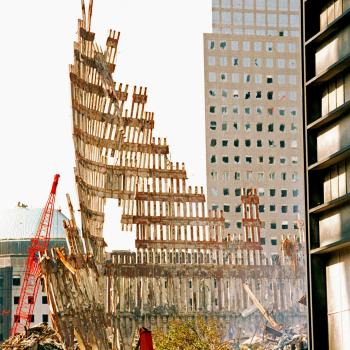
After researching various human-made disasters such as the BP oil spill, the sinking of the Titanic, and the Great Chicago Fire, students share their research in oral presentations. Then students pair up to compare and contrast their disasters using the Venn Diagram Student Interactive or the Venn diagram Mobile App.
Picture This: Using Instagram to Report
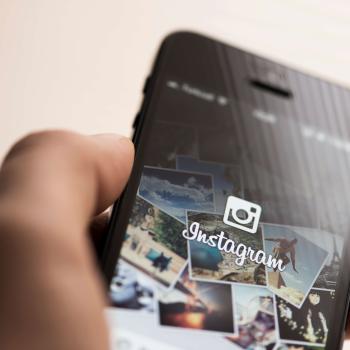
After taking a field trip that students document using mobile app Instagram, students become new reporters as they use the interactive Printing Press to tell about their experiences.

Learning about Clouds with Haikus
Using a mobile app or Interactive activity, students write haikus describing various types of clouds that they have studied.
Using Mobile Devices to Illustrate Literary Devices
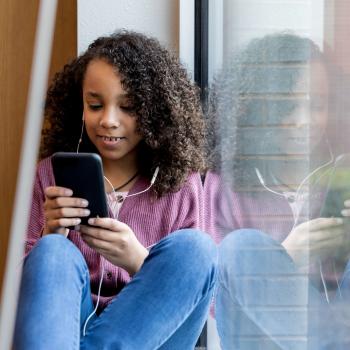
Using mobile devices, students capture images to represent literary devices. Students then reflect on why their images depict the literary devices.
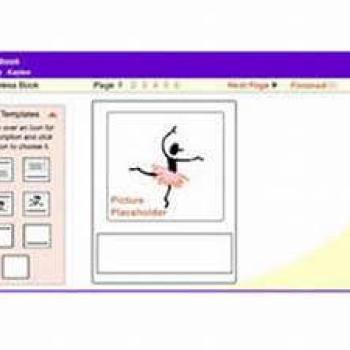
Stapleless Book
The Stapleless Book can be used for taking notes while reading, making picture books, collecting facts, or creating vocabulary booklets . . . the possibilities are endless!

Reading on the Go
In this Strategy Guide, learn how to prepare yourself and your students for reading and note-taking in mobile environments.

Teaching with Zooming Slideshows through Prezi
Through Prezi, a web application, students create "zooming" presentations for various purposes, such as presenting research, defending an opinion, or sharing a digital story.

Bringing Lessons to Life with Animoto
Using Animoto, a free Web 2.0 tool, students can develop short digital videos that include music, photos, video clips, and text as well as share their creations electronically.

Exploring Careers Using the Internet
Doctors, astrophysicists, and daycare providers are only some of the careers that will be explored in this lesson in which students research careers and publish occupational summaries about them.
Create a Great Future: STEM Career Research Using Close Reading
What if students could see the relevance of their school curriculum to real-world, interesting, STEM-related careers? Let's help them create a great future!

Bringing Economic Vocabulary to Life Through Video Posters
Imagine if vocabulary could come alive with the click of a button! Students create video posters to demonstrate knowledge of new economics vocabulary.
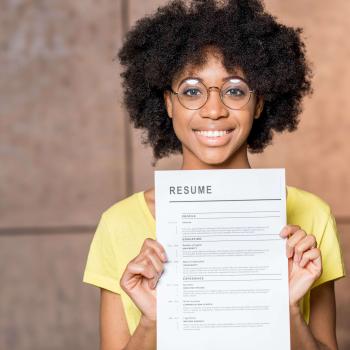
Resumes and Cover Letters for High School Students
High school students are taught how to use resumes and cover letters to highlight their skills and make them stand out, whether applying to college or for a job.
Digital Word Detectives: Building Vocabulary With e-Book Readers
Students in grades 2-6 use digital dictionaries and other e-book tools to learn new vocabulary as they read e-books on digital reading devices.
e-Book Reading and Response: Innovative Ways to Engage with Texts
Students in grades 5 through 12 read and respond to electronic books by using e-book tools and features, including digital note-taking capabilities.
Going Digital: Using e-Book Readers to Enhance the Reading Experience
Students use various tools and features of digital readers to develop vocabulary, support comprehension, respond to text, improve fluency, and enhance the reading experience.

Media Literacy: Examining the World of Television Teens
Pop culture and the classroom collide in this lesson when students go behind the scenes to analyze a television series for characterization to use in an original television show proposal.

Sharing Favorite Books Using Interactive Character Trading Cards
Using selected characters from a text of their choice, students put their literary analysis skills to work by creating fictional character trading cards.
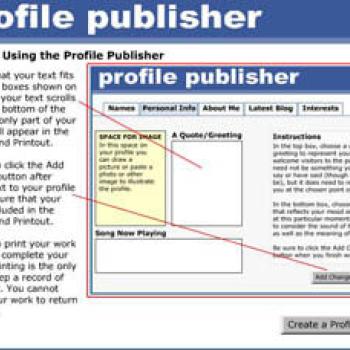
Profile Publisher
Students use the Profile Publisher to draft online social networking profiles, yearbook profiles, and newspaper or magazine profiles for themselves, other real or fictional characters.