In this strategy guide, you'll learn to model how students can make three different kinds of connections (text-to-text, text-to-self, text-to-world). Students then use this knowledge to find their own personal connections to a text.

Making Connections

Using the RAFT Writing Strategy
This strategy guide introduces the RAFT technique and offers practical ideas for using this technique to teach students to experiment with various perspectives in their writing.

Supporting Student Comprehension in Content Area Reading
In this strategy guide, you'll learn a few simple, yet powerful, techniques to encourage students to use peer talk and writing to enhance their understanding of content area texts.

Preparing Students for Success with Reading in the Content Areas
In this strategy guide, you'll learn how to determine the level and type of support you need to provide students based on careful preparation as a content area expert.

Reading with Purpose in the Content Areas
In this strategy guide, you'll learn how to organize students and instruction to establish a sense of purpose for reading authentic texts in the content areas.

Conducting Inner-Outer Circle Discussions
This guide shares the steps to take to get more students talking by dividing the group into speaking and non-speaking circles.

Using Word Walls to Develop and Maintain Academic Vocabulary
In this guide, you will learn how to use Word Walls to support vocabulary development and retention.
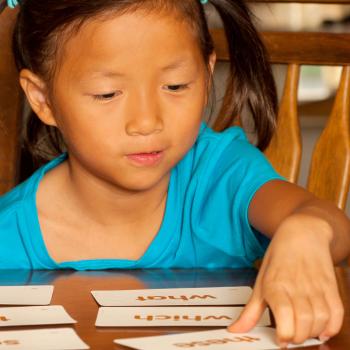
Introducing Ideas and Vocabulary with the Concept Sort
A Concept Sort is a vocabulary and comprehension strategy used with students to introduce new topics and/or familiarize students with new vocabulary.

Teaching with Zooming Slideshows through Prezi
Through Prezi, a web application, students create "zooming" presentations for various purposes, such as presenting research, defending an opinion, or sharing a digital story.